The MASSO G3 CNC controller, power supply, stepper motors, cable system and optical encoder are sold as a part of our Accu-Pro line of machines and are not available for purchase separately or as an upgrade option to existing machines.
- Centroid Acorn CNC control board
- Acorn plug-and-play relay module (mounted and pre-wired)
- Internal wiring to DB9, DB25, and 2-wire Molex connectors
- Power supply, push-to-reset circuit breaker, and cooling fan
- External Ethernet port, power switch, and power LED
- Ethernet connection
- Power switch and power LED
- Cooling fan
- Three DB25 connectors:
- Sherline 4-axis driver box
- Aux 4-axis control for additional drives/axes
- Relay card
- Three DB9 connectors:
- Limit switches
- External encoder*
- Aux tool setter or touch probe (one at a time)
- Three 2-wire Molex connectors:
- E-stop button
- Spindle control
- Laser
- Dual logic power: 5 VDC and 24 VDC
- Input power: 100–120 VAC or 208–240 VAC, 50/60 Hz
- 15 ft shielded Ethernet cable (controller to PC)
- External E-stop with 2 ft cord
- The controller connects directly to Sherline 24 V stepper motors via the Sherline 4-axis driver box (P/N 8760).
- Not compatible with MASSO 36 V closed-loop stepper motors.
- For DIY users with their own motors/drives, use the “Aux 4-axis” DB25 connector. Wiring information for DIY customers is available under the Specifications/Downloads.
- Program directly from hand sketches or prints
- Import DXF files and generate G-code without separate CAD/CAM
- Ideal for new CNC users and those unfamiliar with traditional G-code programming
- Buys CNC-ready Sherline machines and installs their own motors, drives, and encoders.
- Purchase the base Sherline/Acorn CNC Controller (P/N 9400) without options and wire to your own hardware.
- Upgrading an existing Sherline CNC system including older OEM systems such as Denford, D&M, LabVolt, Paxton-Patterson, or Light Machines. For a sample Denford/Sherline Microlathe conversion using Acorn, see: Centroid Denford/Sherline Microlathe Conversion
- If you already have a Sherline Linux PC or 4-axis driver box, configure the controller
with:
- Spindle Control Isolator Board
- External Encoder kit for your headstock (Standard or 3C)
- Wants a complete Sherline system: CNC-ready machine, 24 V stepper motors, 4-axis driver box, spindle control isolator board, and external encoder.
- The Sherline/Acorn Controller is designed to support all of these configurations.
- To control spindle speed via G-code, you must have a motor drive or the Spindle Control Isolator Board and an external encoder installed.
- These components work together to accurately acquire and control spindle RPM.
- If you do not include the Spindle Control Isolator Board at the time of purchase, adding it later will require returning the controller to Sherline for installation. Email orders@sherline.com for return instructions.
- Better positional accuracy and smoother CNC motion on the X and Y axes
- Fully assembled components ready to install
- Works with high-torque stepper motors for improved performance
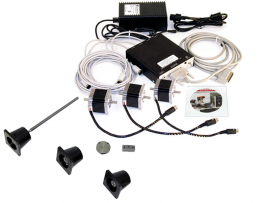
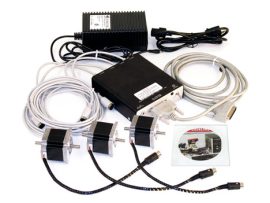
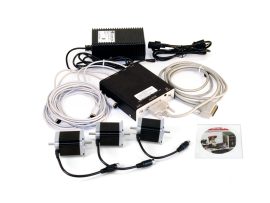
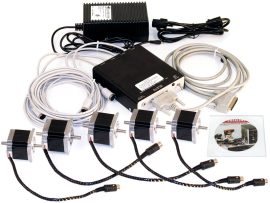
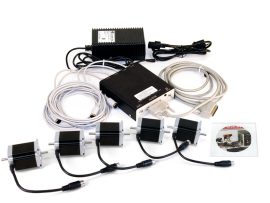
- Built-in Driver box (Converts g-code to steps to run DC stepper motors)
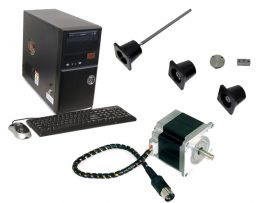
- Output cables for X, Y, Z, and A pre-wired with DIN plugs for stepper motors
- Keyboard and mouse (you supply the monitor)
- Processor Speed: 2 GHz or faster
- RAM: 2 GB
- Hard Drive: 500 GB
- Internal drive: DVD-RW
- External drive: 4 GB USB Flash drive for transferring g-code files
- Current: Internal switches are set to 110VAC but can be reset for operation with 230 VAC
- Installed software: Ubuntu 12.04 Linux-based OS with Linux CNC 2.6.11 4-axis CNC software.
- 90-day warranty on CNC and computer-related components.
- Keyboard and mouse (you supply the monitor)
- Processor Speed: 2 GHz or faster
- RAM: 2 GB
- Hard Drive: 500 GB
- Internal drive: DVD-RW
- External drive: 4 GB USB Flash drive for transferring g-code files
- Current: Internal switches are set to 110VAC but can be reset for operation with 230 VAC
- Installed software: Ubuntu 12.04 Linux-based OS with Linux CNC 2.6.11 4-axis CNC software.
- 90-day warranty on CNC and computer-related components.
-
DVD: Linux operating system (Ubuntu v12.04) with LinuxCNC software (v2.6.11)
-
CD: Installation and troubleshooting instructions, along with free or low-cost utilities, including AutoEditNC, ACE Converter, MeshCAM, DeskEngrave, Freemill, Inkscape, and FreeCAD
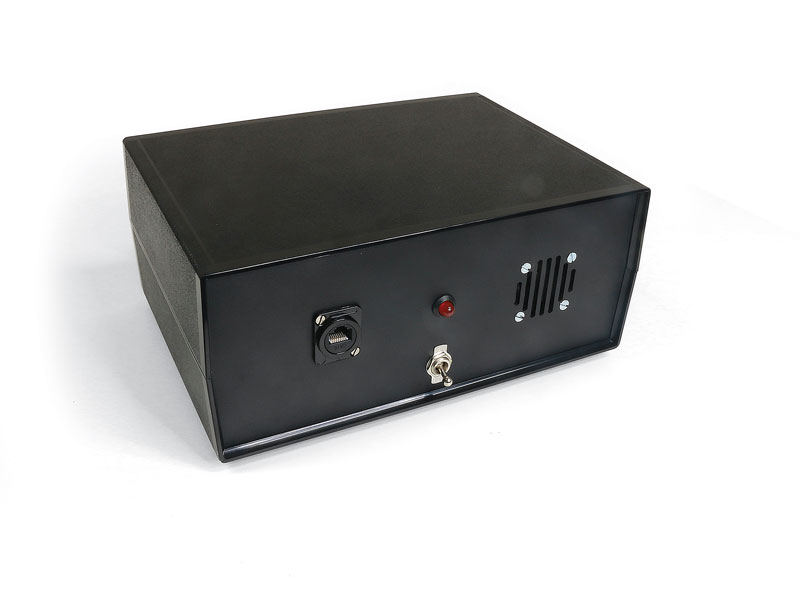
Sherline/Acorn CNC Controller
[icon icon=icon-chevron-down size=14px color=#000 ] Controller Features
Custom control housing includes:[icon icon=icon-chevron-down size=14px color=#000 ] Compatibility & Connection Options
[icon icon=icon-chevron-down size=14px color=#000 ] Software & Conversational CAM
A free version of Centroid CNC12 is included with each Acorn kit for initial setup. However, it is strongly recommended that you purchase the Centroid Acorn “Pro” CNC12 Software License to unlock full conversational CAM (Intercon). Use the options below or visit: CLICK HERE for Acorn “Pro” CNC12 Software License details Intercon Conversational CAM:[icon icon=icon-chevron-down size=14px color=#000 ] Typical Use Cases
DIY Customer[icon icon=icon-chevron-down size=14px color=#000 ] Important Notes for Spindle Control
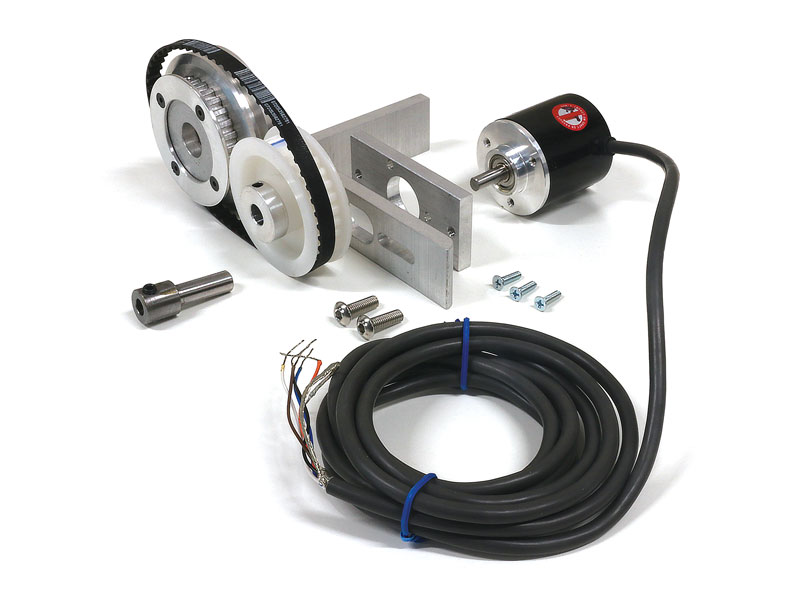
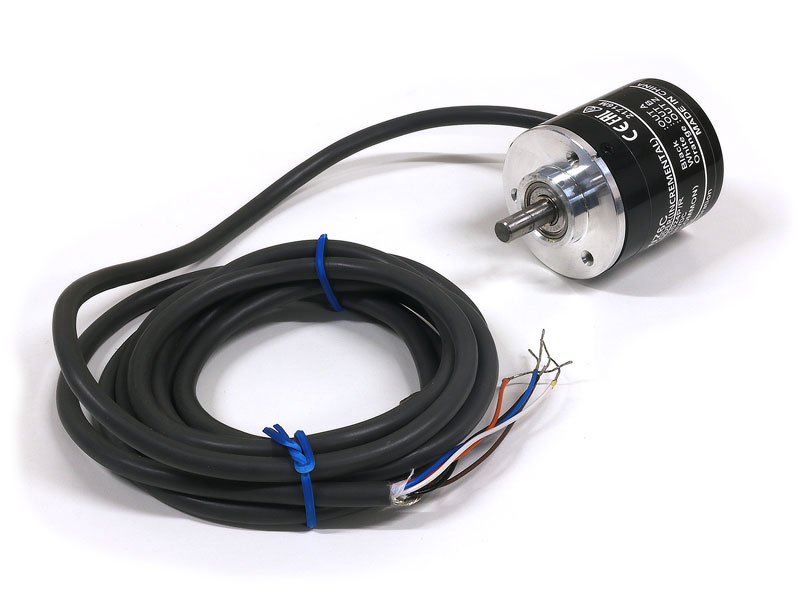
External Incremental Rotary Encoder
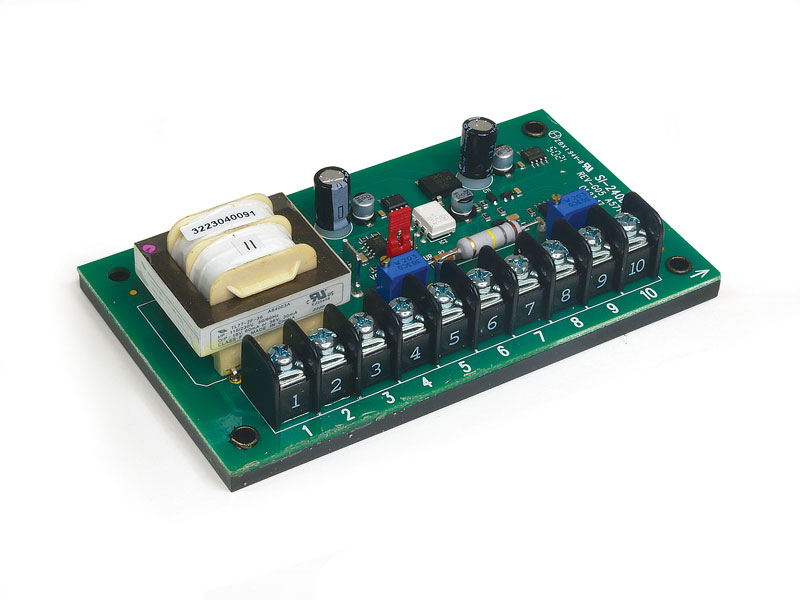
Spindle Control Isolator Board
CNC-Ready Lathe Upgrade Kits
LATHE KITS
CNC-Ready Mill Upgrade Kits
Mill Ball Screw XYZ-Axes Retrofit Kit
Mill Ball Screw XY Axes Retrofit Kit
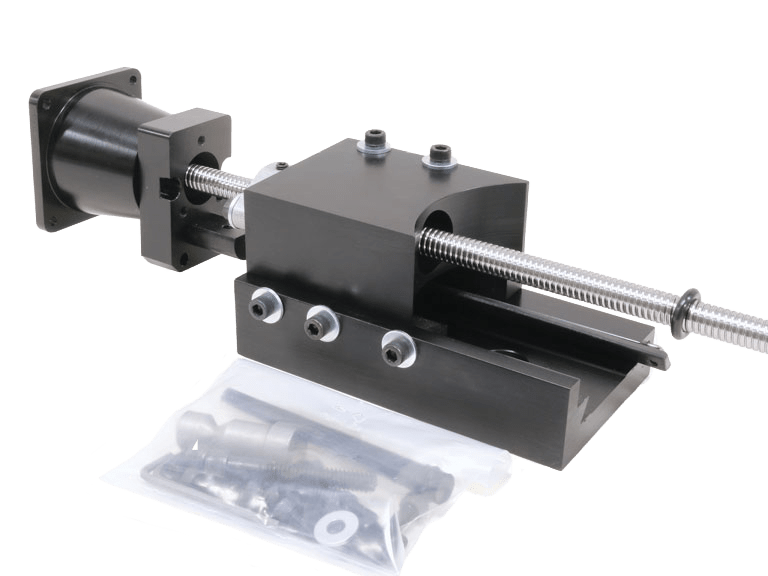
Mill Ball Screw Z-Axis Retrofit Kit
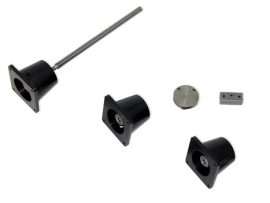
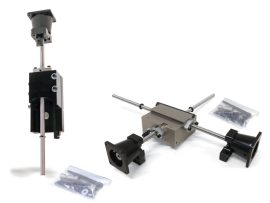
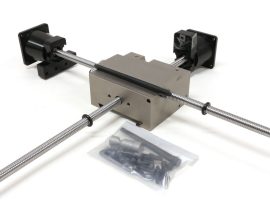
The Mill Ball Screw Z‑Axis Retrofit Kit is an upgrade kit for Sherline milling machines that replaces the standard Z-axis leadscrew with a precision ball screw assembly to reduce backlash and improve smoothness and positional accuracy. It includes a rolled ball screw with BSH nut, stepper-motor coupling and mount, and modified saddle components, and is ready to install with all key parts assembled at the factory.
Why it matters:
• Stronger, smoother Z-axis motion and better CNC performance
• Tight tolerances for increased precision
• Some loss of max travel due to the new saddle design
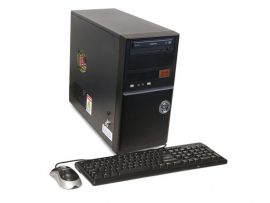
LinuxCNC Computer System with Driver Box
LinuxCNC Computer System without Driver Box
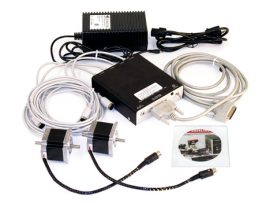
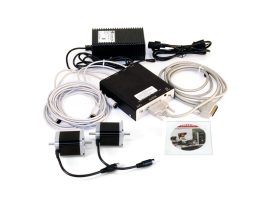
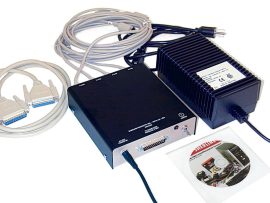
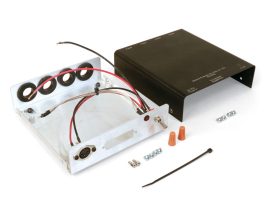
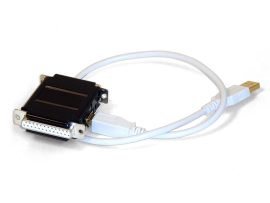
4-Axis CNC Driver Box
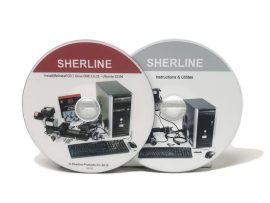
Sherline Linux OS/LinuxCNC Software
The discs include the following items and require a PC equipped with a CD/DVD drive: